Page 8 of 13
Re: ddk 912 pictures only
Posted: Fri Feb 14, 2014 6:11 am
by Bootsy
Re: ddk 912 pictures only
Posted: Fri Feb 14, 2014 11:54 pm
by hughicol
My 912 Photos
Posted: Sat Feb 15, 2014 12:00 am
by hughicol
Another Go
Posted: Sat Feb 15, 2014 12:11 am
by hughicol
[img]C:\Documents%20and%20Settings\Dave\My%20Documents\Porsche912[url]C:\Documents%20and%20Settings\Dave\My%20Documents\Porsche912[img][/img][/url][/img]
Photos
Posted: Sat Feb 15, 2014 12:12 am
by hughicol
Give up, tried to follow instructions but I must be thick.
Dave
Re: ddk 912 pictures only
Posted: Sat Feb 15, 2014 5:50 am
by Bootsy
You just need the IMG code from photobucket of the actual image you're trying to post
Not the library link but the actual image
Read the link above I posted it explains and has a link to a video tutorial
Re: ddk 912 pictures only
Posted: Sat Feb 15, 2014 6:14 am
by johnM
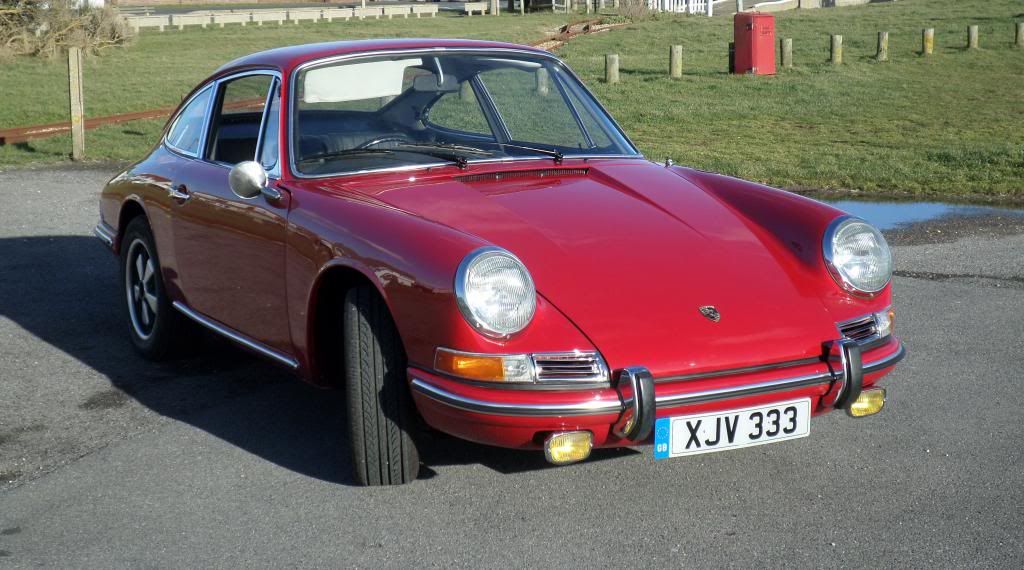
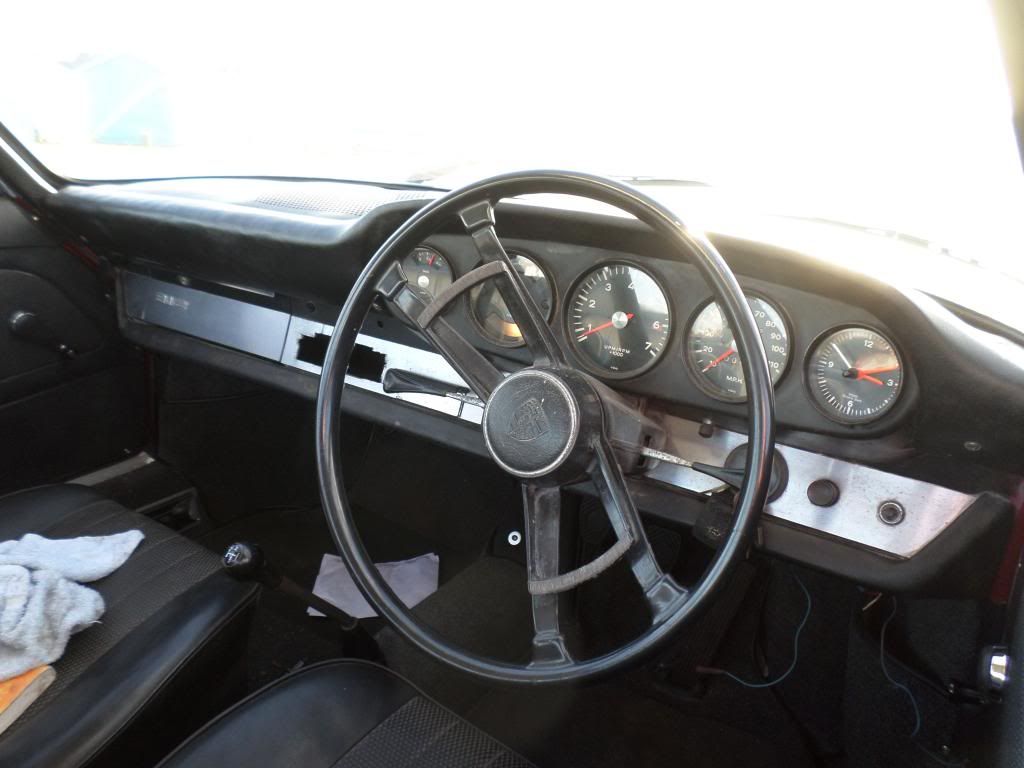
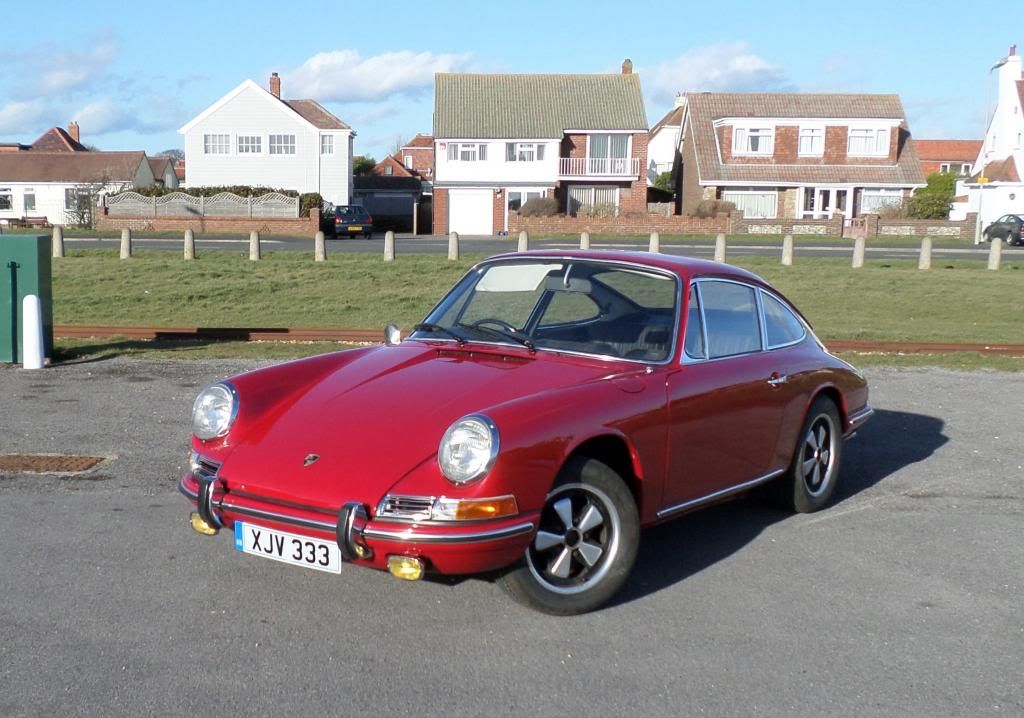
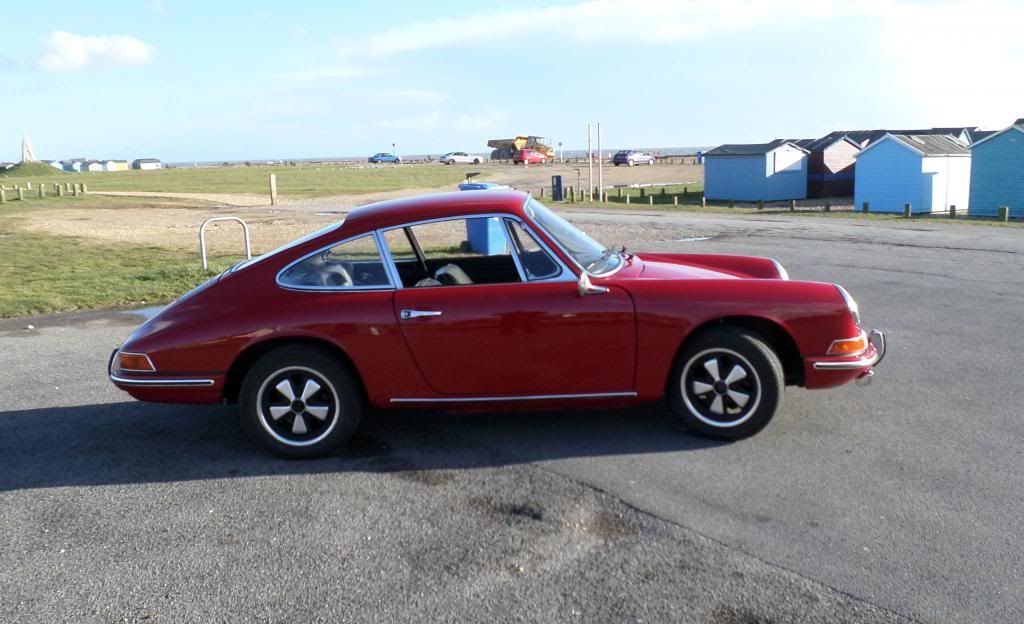
Now I'm just showing off.
If you hit the quote button on my post you will be able to see the image code that you need to copy from your photobucket picture.when you open the picture you want to share on the photobucket site, you will see a choice of links on the right of he page. Just copy and paste the img code. Simples.
Nice car by the way.
Kind regards.
Re: ddk 912 pictures only
Posted: Sat Feb 15, 2014 1:59 pm
by hughicol
Many many thanks for your help, patience and comment.
Dave
Re: ddk 912 pictures only
Posted: Sat Feb 15, 2014 4:07 pm
by hughicol
Hope this works one shot of the rear of the car.
Dave
http://i891.photobucket.com/albums/ac11 ... 100c57.jpg
Re: ddk 912 pictures only
Posted: Sat Feb 15, 2014 4:09 pm
by hughicol
Re: ddk 912 pictures only
Posted: Sat Feb 15, 2014 4:10 pm
by Bootsy
You've got no img tags othat one,
You either use the IMG button when you post and paste the image code in between the tags or just copy the IMG image code from photobucket and post it straight into the the forum
If you click on your link and look to the bottom right you will see the IMG code to copy and then paste
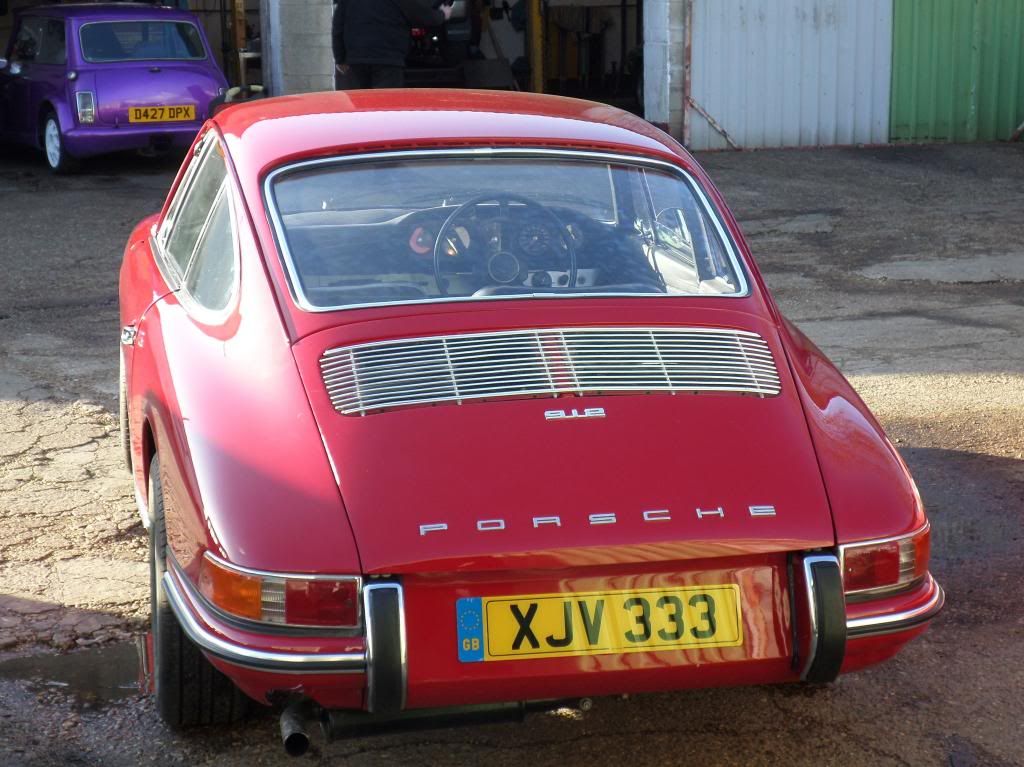
Re: ddk 912 pictures only
Posted: Sat Feb 15, 2014 4:23 pm
by hughicol
When I click onto the lonk all I get is the photo nothing at the bottom. If I do it in photobucket I get nothing there either.

Re: ddk 912 pictures only
Posted: Sat Feb 15, 2014 4:25 pm
by hughicol
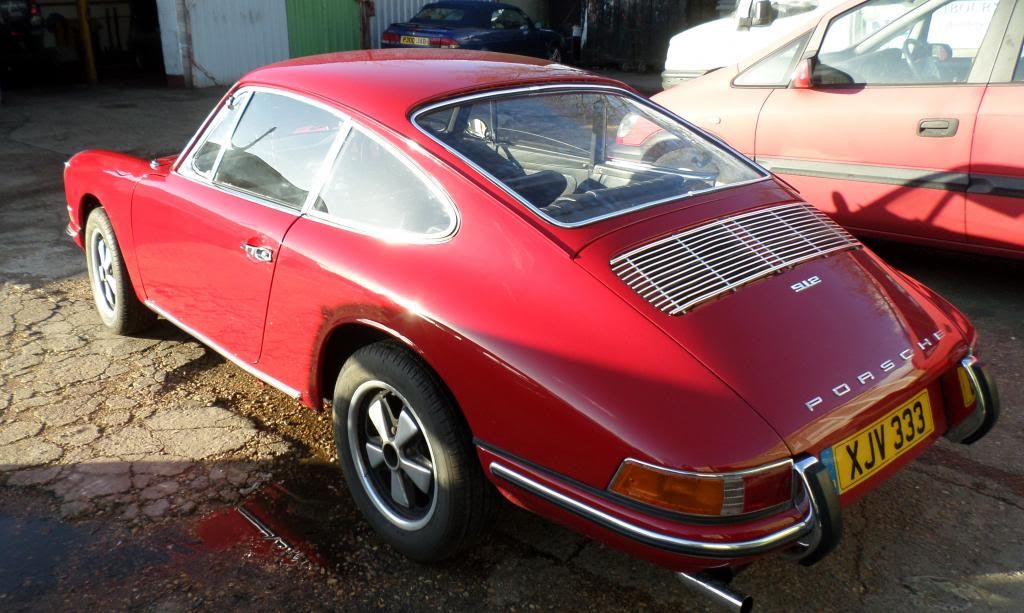
I think I may have it now, doh.
Dave
Re: ddk 912 pictures only
Posted: Sat Feb 15, 2014 4:26 pm
by hughicol
At last.
Again, many thanks. I'll stick to playing with the car, lol.
Dave
Re: ddk 912 pictures only
Posted: Sat Feb 15, 2014 5:23 pm
by myatt1972
Well worth the wait Dave, very nice !!!
That mini looks like fun to.


